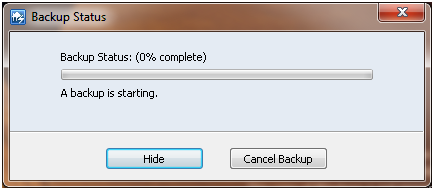
Recently my Win7 x64 desktop machine started to fail it’s backups to the Windows Home Server I have. I attempted to do manual backups but it just hung at 0% complete as per the screen shot below.
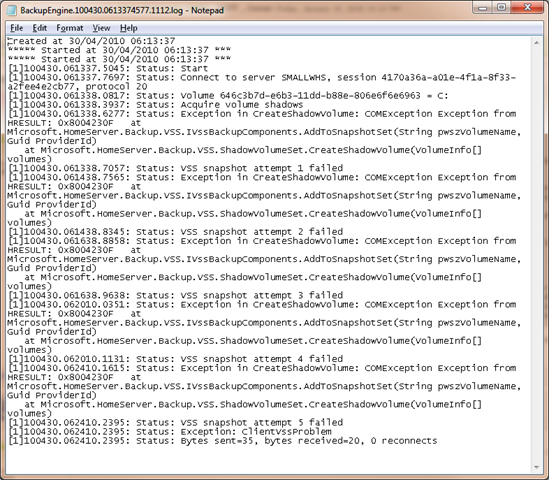
To diagnose the problem, I looked at the client side log files which are located at C:\Users\All Users\Microsoft\Windows Home Server\logs on the computer.
In particular I looked at the BackupEngine log file (it’s name is a fair bit longer and is based on the date/time that the last backup was done). You can see my log file below. It appears to be failing at the VSS Snapshot attempts.
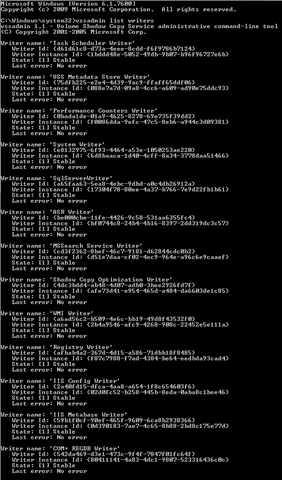
Ok – Run a CMD prompt now and then the use the VSSADMIN LIST WRITERS command to show the current state of the VSS writers on this computer. It gives the output below. You can see that a couple of the writers are in the “State: [5] Waiting for completion”.

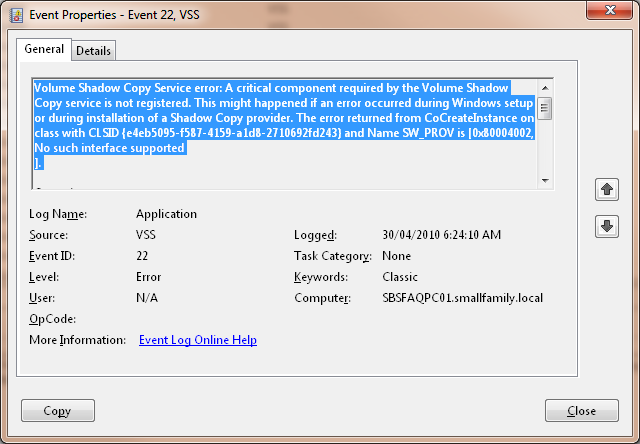
Ok – now into the event logs on the server and I can see that it looks like we have a few critical errors in the VSS including the one below.
We’re on the right track now. I ran a script to re-register the VSS writers and rebooted and as you can see all the VSS writers have returned to normal.
I then ran the VSSADMIN LIST PROVIDERS command to list the providers of VSS services on this machine. It showed TWO VSS Providers, one being the standard Microsoft Software Shadow Copy Provider v1.0 and the other belonging to a third party imaging product that I was beta testing but had since removed. Given I’d removed the imaging product, the provider should not have been there, so I traced back in the registry to find that it’s registry key still existed under HKLM\SYSTEM\CurrentControSet\CSS\Providers. I was able to delete the offending registry key for the VSS Provider, reboot and run backups. Backups have been running just fine now for the past month without issues.
Do you have the script that re-registers all of the VSS writers?
I do Mike, I’ll post it in the next 24 hours