I’ve been running Trend Micro’s SafeSync for Business for a while now (over 12 months from what I can recall). The version I’m on is version 3 and a little while back now, they released v5.0. I decided this weekend as I’m doing some planned work, that it’s time to upgrade and see what it has to offer. I run this on both my desktop and my laptop and I use it to keep files in sync between the two and also to share specific folders and files with my team.
Here’s my record of my experience with upgrading from SafeSync for Business 3.x to 5.0
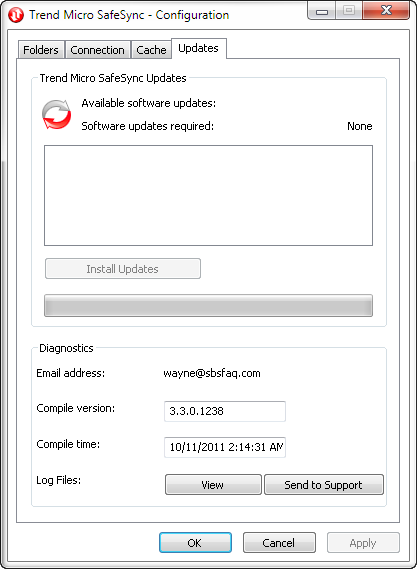
Firstly – here’s what I’m running now.
I started by making sure that I had a good backup of my desktop and laptop – that way if anything goes wrong, I will have a rollback plan that will mean my data is protected.
I decided I would upgrade my desktop first, therefore I ensured that my laptop was logged off SafeSync for Business so that it would not have any issues while I did the upgrade on both machines.
Start by downloading the client software from here
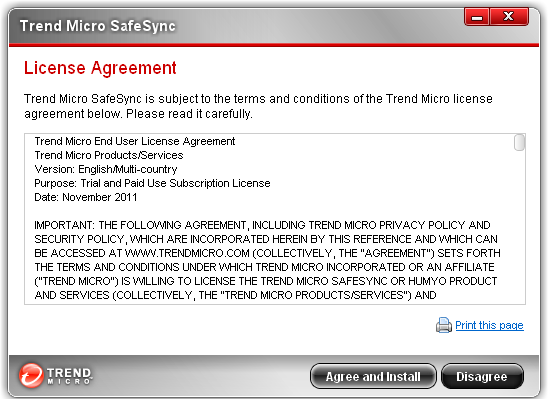
Once the download was done, I ran the installation program and followed the bouncing ball through the installation process.

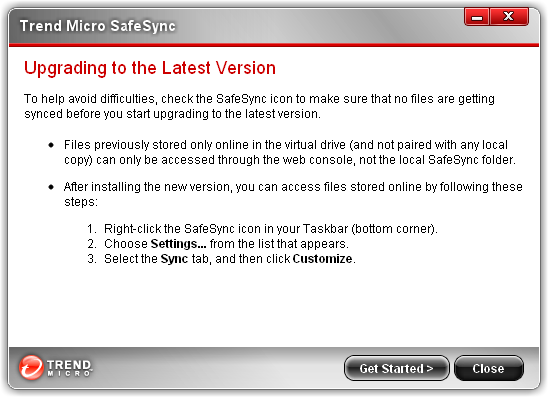

After the restart, I noticed one major issue for me. My Online W: drive – which was the drive letter I gave to SafeSync, was gone… ohhh so that’s what they meant by that first couple of screens. I’m not happy at all about this change. The ability to have a drive letter on my computer and copy things directly to the cloud WITHOUT having to have them sync’d across all my computers was in fact a benefit to me. Now it appears due to the change in functionality, I will be FORCED to use the web interface to do the same thing. Sorry Trend – that’s not a step forward, it’s a step backward.
Below you can see my W: drive that I used to have along with the contents that I had there. The Software folder was one that I used that was NEVER sync’d to my computers as it allowed me to easily keep copies of software that I use so I can install them without having to go to various vendors websites all the time.


Ok – so the upgrade went fine, but there’s at least ONE feature I have lost. I decided to poke around and look at the settings for SafeSync for Business 5.0
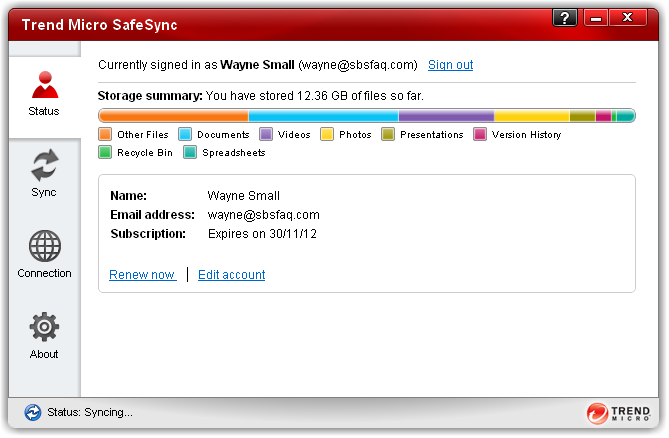

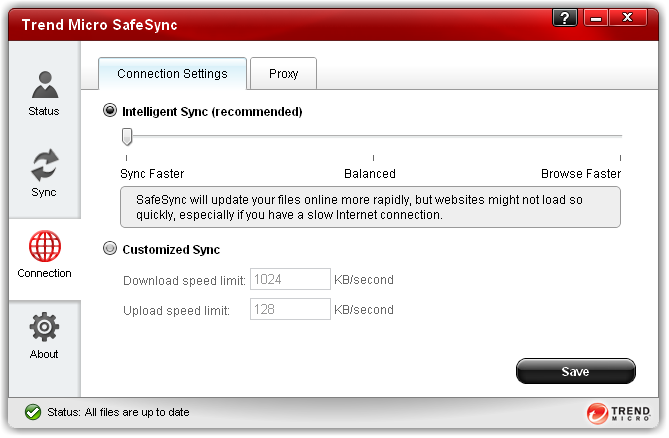
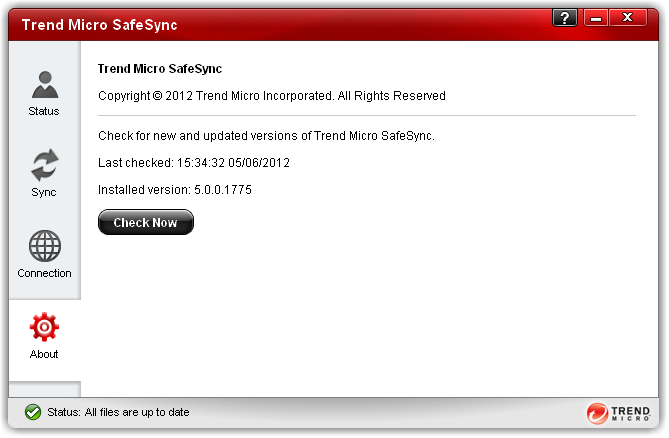
After upgrading my desktop, I told SafeSync for Business to logout. I then proceeded to do the same upgrade on my laptop. The upgrade for it also went fine, so nothing major to report there.
I am however concerned about the change in functionality that Trend have done with this. The offline drive was something I used a LOT, now I’m going to be forced to use the web interface to do the uploads which is not ideal at all. I would suggest quite highly to Trend that they reconsider this and restore this feature to SafeSync for Business .
Trend also have a SafeSync Blog where you can find out lots of info including the details of the monthly feature updates on the SafeSync blog here.
Hi,
I found that the new SafeSync folder more than makes up for the drive. You can drop files into that offline and when online again it syncs. You can also access all you team folder though this local folder, again in offline mode as well.
In the custoimeise section you are also able to decide which team folder are sync’d down to the pC.
I hope this helps. I know it is not exactly what you had, but it does work slightly better.
Cheers
James
It’s actually a great and helpful piece of info. I’m happy that
you shared this helpful information with us. Please keep us informed like this.
Thank you for sharing. facebook
facebook
facebook
Hello,
Very unique and interesting post!!! Using boxplots to showcase the varied individualise results was a fact really unknown… Quite informative .. Thanks !!!
Thank You